How It Works
Filing your taxes doesn’t have to be stressful. My process is designed to be simple, secure, and fully remote perfect for busy moms and military families. From your free quote to e-filing, I guide you every step of the way using IRS-authorized, encrypted software.
STEP ONE:
Download the Taxes To Go App.
Download the taxes to go app from the App Store or Google Play to get started.

STEP TWO:
Complete Your Information.
Create your account and securely upload your tax information and documents.
STEP THREE:
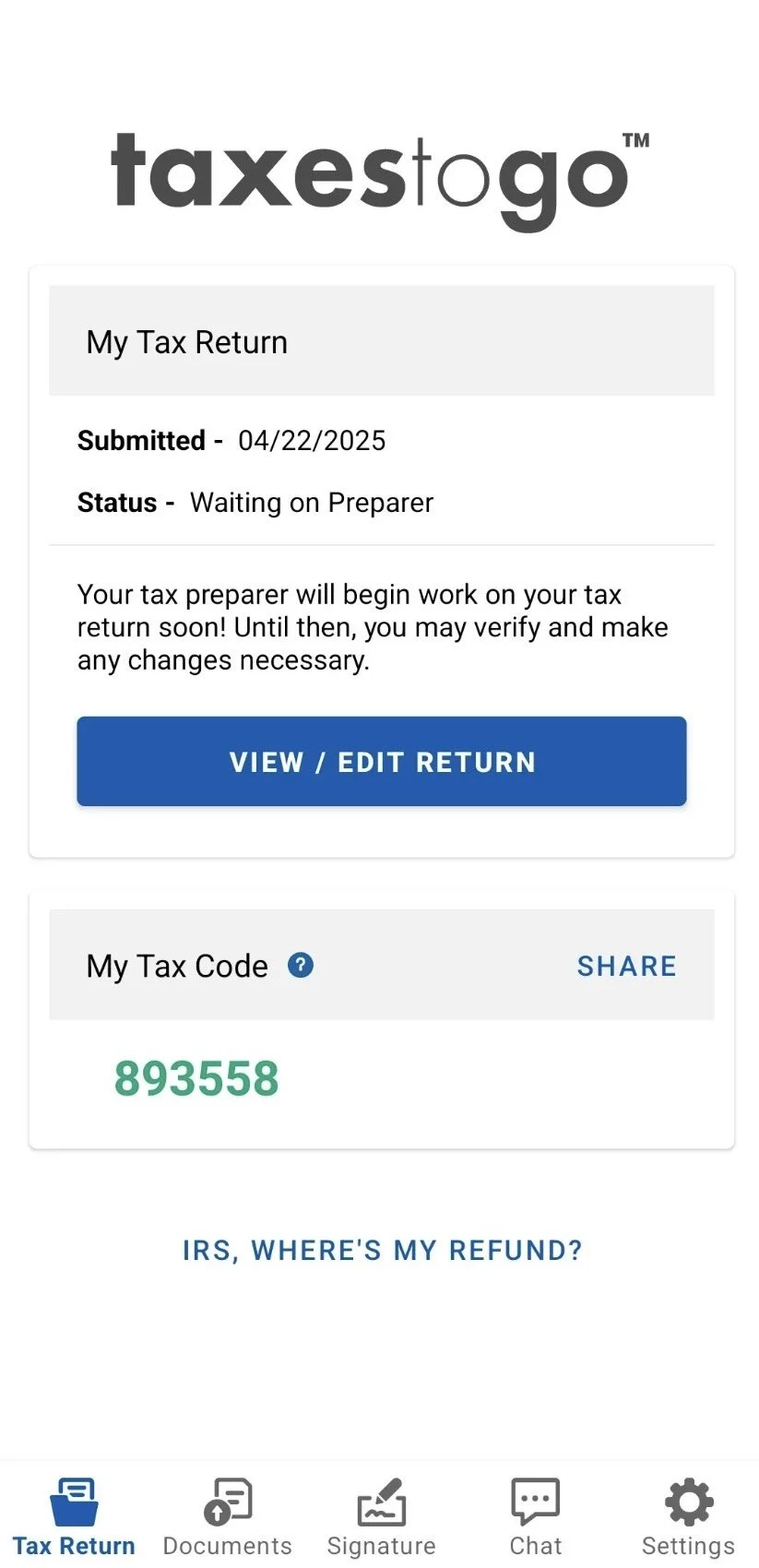
Email Me Your Code.
Email me your Taxes To Go code and the email you used so I can access your return and begin.
STEP FOUR:
Review & Pricing.
Once I receive your email and Taxes To Go Code, I’ll review your information and provide your tax preparation pricing. No work begins until pricing is approved.
STEP FIVE:
Secure Intake & Document Upload.
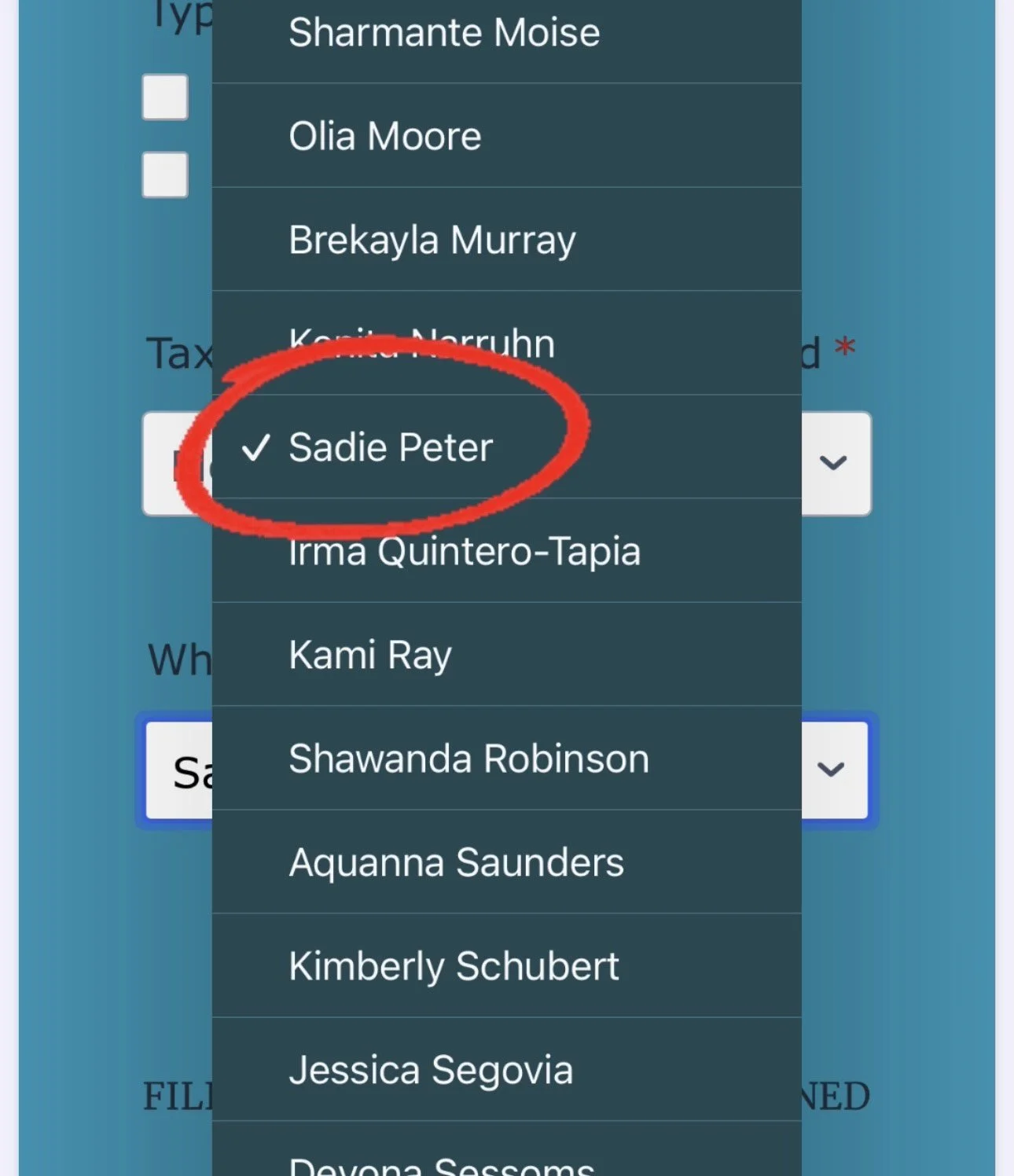
If you agree with the pricing, you’ll complete the required intake form, upload all requested tax documents and select Sadie P. as your tax preparer. Please notify me once this step is completed.
STEP SIX:
Final Review & Filing.
I may ask additional questions to ensure accuracy and IRS compliance. Once everything is approved, your return will be electronically filed and I’ll keep you updated on all status changes and refund tracking.
"I want to say thank you for your help during this tax season. You made the process super easy and
non-stressful! I would highly recommend you to anyone trying to get their taxes done."
— Yahaira C.